The Wifi Configuration Page
- not on android -
This page is accessible by clicking the  button on the status
page.
button on the status
page.
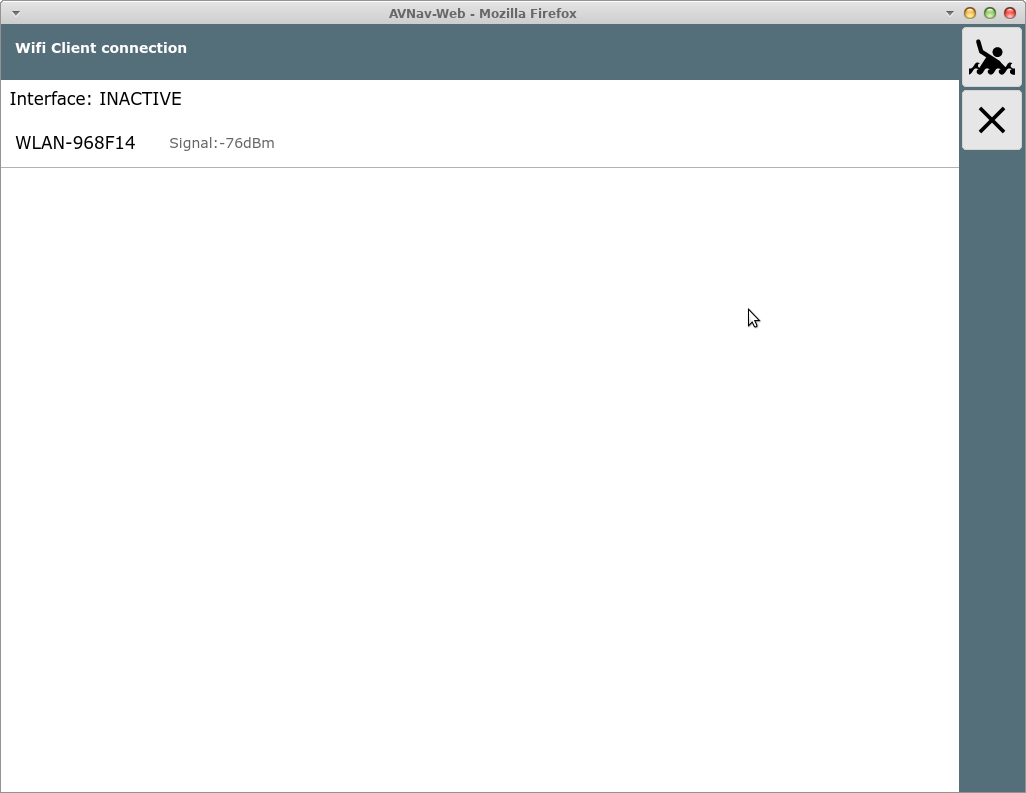
This page will only be visible if wifi client handling is configured in avnav_server.xml (on by default). You can only configure connections if there is an additional Wifi adapter plugged into the correct port or you have set "InternalWifi as Client" to "yes" in the avnav.conf.
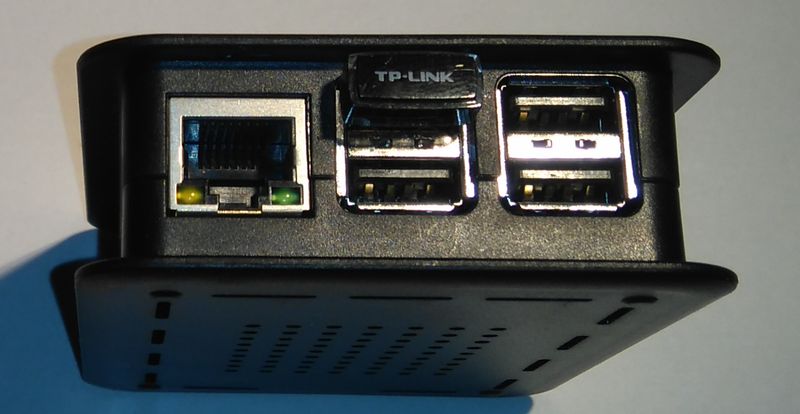
In the picture a Raspberry Pi 3 is shown. Newer ones are equipped with blue USB3.0 sockets. You must connect to the blue socket that is close to the mainboard.
On the Pi's OS level a network interface "wlan-av1" must be visible. In the configuration (avnav_server.xml) an entry
must exist.
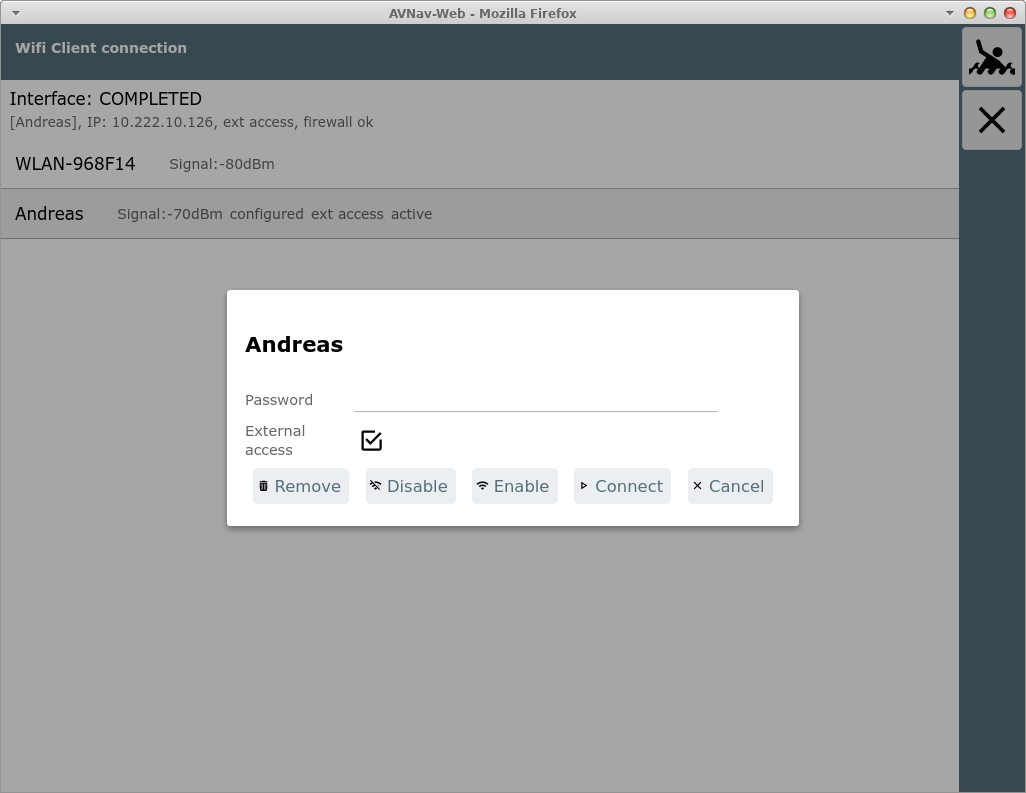
The page displays all wifi networks in range and all configured networks.
By clicking an entry you can connect to this network.
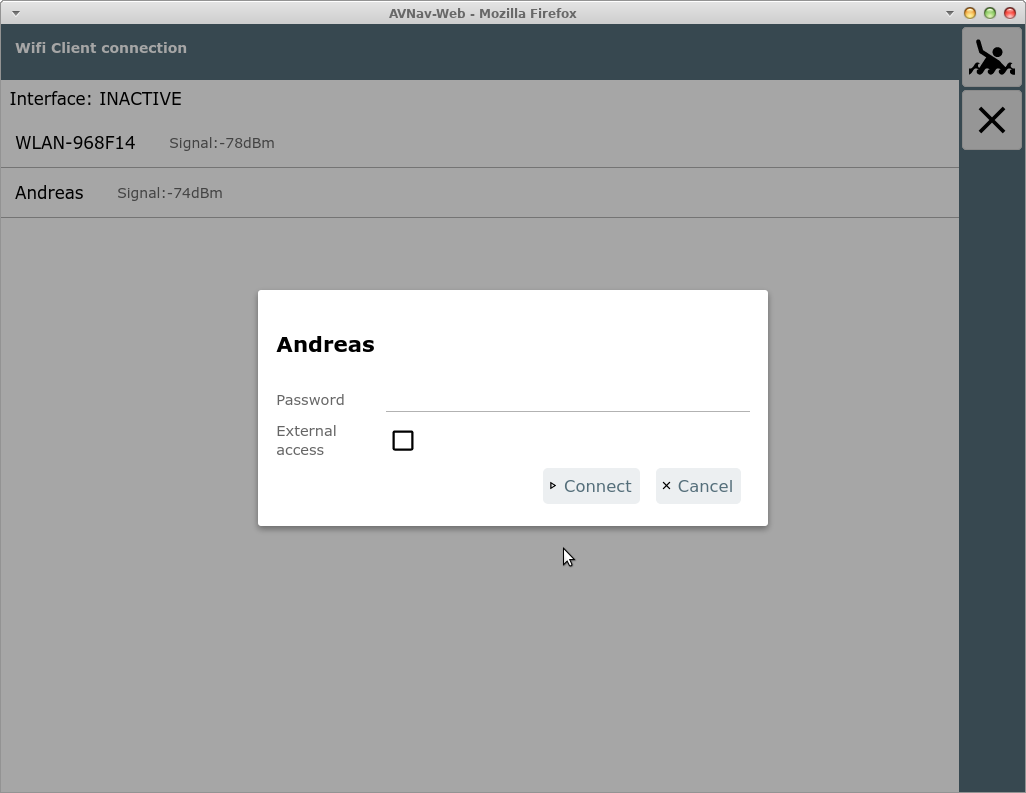
Check "external access" to allow external access from this network to your Pi.
Warning: Never enable external access in a public wifi network! There
is no protection in AvNav and anybody within the same network could
access your system.
However you may use it if you e.g. run your own LTE router and would like
to allow your connected devices to access AvNav.
An established connection will be indicated and the active network is marked by a grey background in the list.
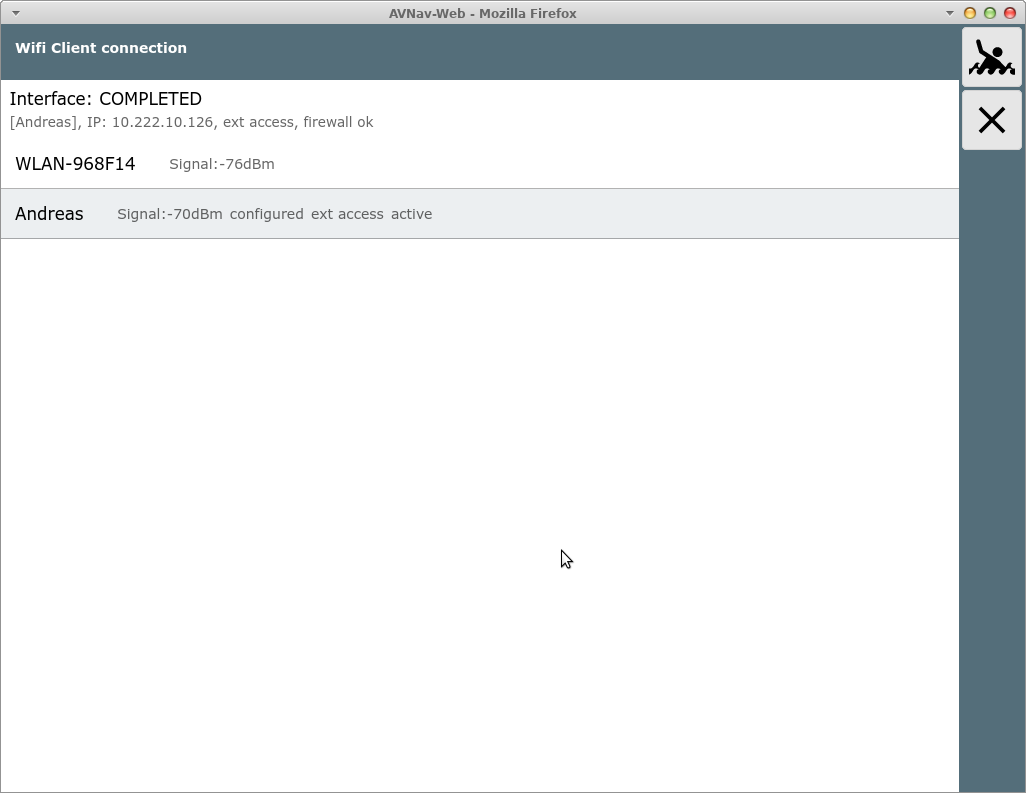
While connecting some status information will be visible close to "Interface".
To disconnect you can click the network again. You can disable it or completely remove it from the configuration.
All the wifi information is stored in the file /etc/wpa_supplicant/wpa_supplicant.conf.